Modular, enterprise-grade Command & Control framework built in Java. Supports Web Panel, CLI, and JavaFX GUI with mutual TLS, AES-256-GCM encryption, and multi-protocol session handling.
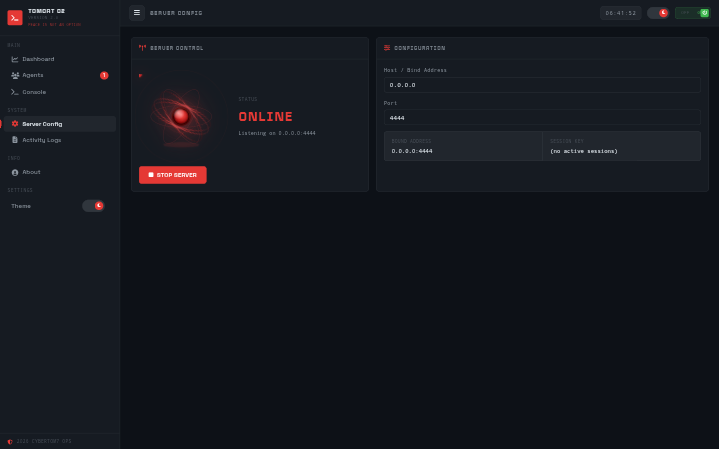
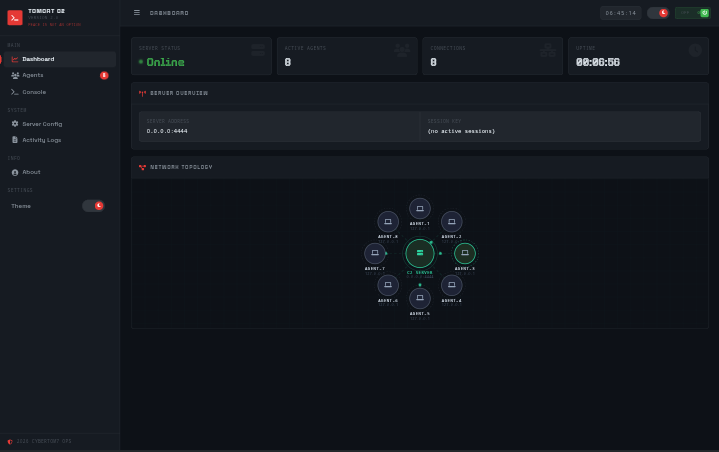
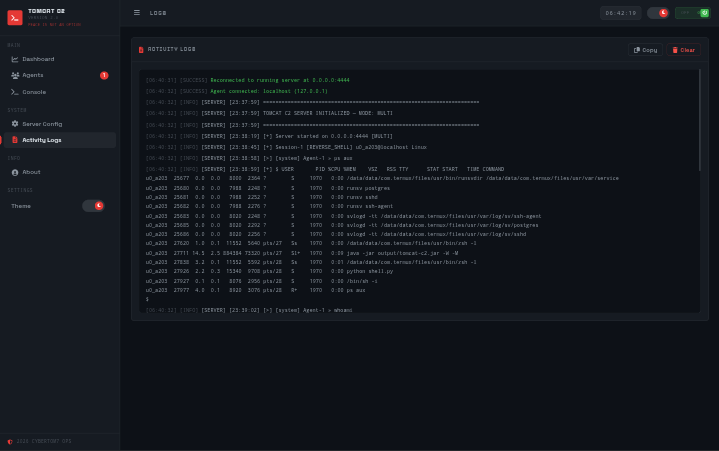
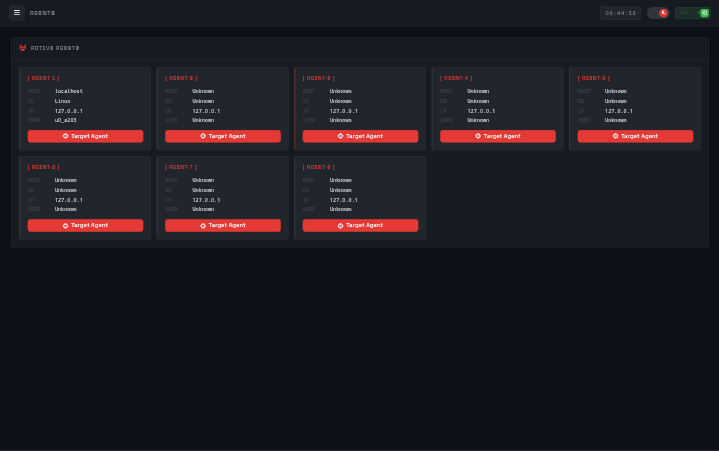
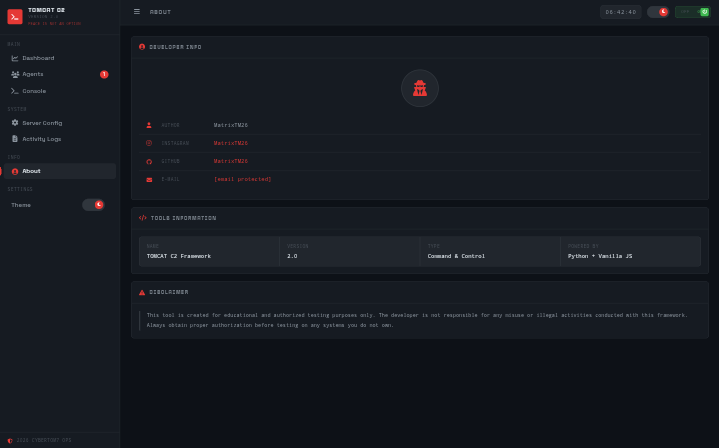
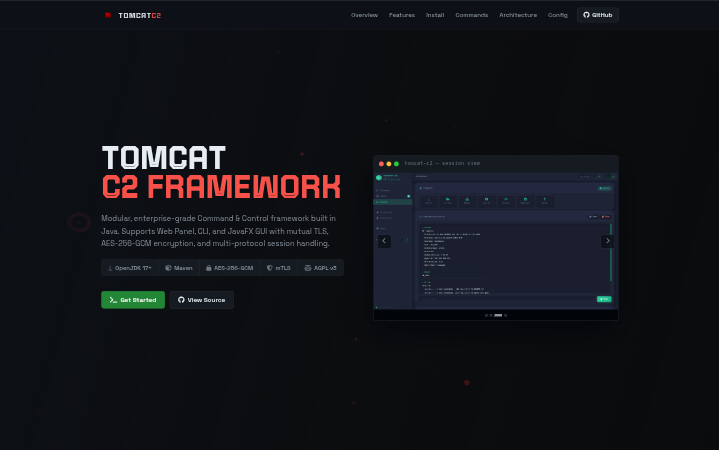
TOMCAT-C2 is a modular, enterprise-grade Command & Control framework written in Java. It supports multiple interface modes — Web Panel (HTTP), CLI, and JavaFX GUI — and manages concurrent reverse shell sessions from a single operator console across diverse target environments.
Engineered for operational security: all agent communication is protected by AES-256-GCM encryption and mutual TLS authentication using PKCS12 keystores. The framework features a full certificate lifecycle manager (CA → Server → Agent), file transfer, thread-safe session handling, and an event-driven architecture designed for extensibility.
This tool is for legally authorized penetration testing only. Unauthorized use is illegal and unethical.
Everything a red team operator needs in a single Java-based framework.
Operate via Web Panel (browser at port 5000), CLI mode (-C), or full JavaFX desktop GUI (-G) — whichever fits your workflow.
All agent communication is encrypted end-to-end with AES-256-GCM, preventing traffic analysis and ensuring operational confidentiality.
Agent authentication via PKCS12 keystores. Full CA, server, and agent certificate lifecycle management with a single init command.
Handle TOMCAT agents, Meterpreter sessions, and plain reverse shells concurrently from a single operator console.
Upload payloads and download evidence files with built-in progress tracking. Evidence saved to the configurable output directory.
Minimal target footprint, encrypted payloads, and configurable listeners. GitHub Actions CI ensures clean reproducible builds.
Concurrent session handling backed by a thread-safe manager. Multiple agents can connect and be interacted with simultaneously.
Decoupled event system for clean separation between the operator console, session manager, and agent handlers.
Runs on Windows, Linux, macOS, and BSD via the JVM. Platform-specific Maven build flags available for each target OS.
Deploy TOMCAT C2 v3.0 in under 5 minutes.
Ensure the following are installed before proceeding.
Pull the source from GitHub. Use the
main branch for stable usage or
dev for contribution.
git clone --branch main https://github.com/MatrixTM26/TOMCAT-C2-Framework
cd TOMCAT-C2-FrameworkA ready-to-use JAR is included in the repository. No compilation required.
java -jar output/tomcat-c2.jarCompile with Maven. Use platform-specific flags for JavaFX support.
# Linux / Termux
mvn clean package -Djavafx.platform=linux -q

# Windows
mvn clean package -Djavafx.platform=windows -q

# macOS
mvn clean package -Djavafx.platform=macos -qInitialize mTLS certificates first, then start the server in your preferred interface mode.
# Initialize CA and server certificates
java -jar target/tomcat-c2-jar-with-dependencies.jar --init-certs

# Web Panel Mode (default — http://localhost:5000)
java -jar target/tomcat-c2-jar-with-dependencies.jar

# CLI Mode
java -jar target/tomcat-c2-jar-with-dependencies.jar -C

# JavaFX GUI Mode
java -jar target/tomcat-c2-jar-with-dependencies.jar -GCLI flags and operator console command reference for TOMCAT C2 v3.0.
-S, --host-S <addr>C2 server bind address (default:
0.0.0.0)
-p, --port-p <port>Web panel port (default: 5000)
-T, --mtls-TEnable mutual TLS authentication
-M, --meterpreter-MEnable multi-protocol mode
-C, --cli-mode-CStart in CLI interface mode
-G, --gui-mode-GStart in JavaFX GUI mode
--init-certs--init-certsInitialize CA and server certificates
-l, --list-agents-lList all generated agent certificates
sessionssessionsList all active shell sessions
interactinteract [id]Open interactive shell with session
killkill [id]Terminate specified session
killallkillallTerminate all active sessions
infoinfo [id]Display session metadata and details
backgroundbackgroundBackground current interactive
session
renamerename [id] [name]Label a session for identification
uploadupload [local] [remote]Upload file from operator to target
downloaddownload [remote] [local]Download file from target to operator
lsls [path]List remote directory contents
cdcd [path]Change remote working directory
catcat [file]Read remote file contents
shellshell [cmd]Execute single command on remote
session
--init-certs--init-certsInitialize CA and server certificate
-a, --gen-agent-a <id> -ah <host> -ap
<port> -amGenerate single agent certificate
-m, --gen-multi-m -c <count> -u <prefix>Generate multiple agent certificates
-l, --list-agents-lList all generated agent certificates
How TOMCAT C2 v3.0 components interconnect in a live deployment.
Web Panel (browser), CLI terminal, and JavaFX desktop GUI — all connecting to the same C2 server core.
Thread-safe session manager, mTLS auth, AES-256-GCM encryption, event-driven architecture, and certificate lifecycle manager.
Supports TOMCAT agents (mTLS), Meterpreter sessions, and plain reverse shells — all managed from one console.
All session I/O captured to timestamped logs
in ./output. All settings
configurable via
server.properties.
All parameters available in server.properties.
server.host0.0.0.0Bind address for C2 listener
server.port4444Default agent listener port
server.web.port5000Web panel HTTP port
server.timeout30000Session timeout in milliseconds
server.backlog50Max pending connection queue size
output.dir./outputDirectory for session logs and
downloads
output.logtrueEnable command and output logging
output.timestamptruePrefix log entries with
timestamps
crypto.enabledtrueEnable AES-256-GCM session
encryption
crypto.algorithmAES/GCM/NoPaddingEncryption algorithm for C2
traffic
crypto.keysize256Key size in bits
mtls.enabledfalseEnable mutual TLS agent
authentication
mtls.keystoreconfig/app/server.p12Path to PKCS12 server keystore
Explore the source, open issues, or contribute to TOMCAT C2 on GitHub.